Student spending sorted, with a HyperJar prepaid debit card

Organise and control your spending for the term
Easy shared planning and bill splitting with friends
Cashback and discounts with brands you love
Instantly freeze and unfreeze the card if it's lost
Spend abroad with no added fees from us
Add your card on Apple Pay or Google Pay

Scan to download the HyperJar app
.png)


Scan to download the Hyperjar app
Spend your student budget smarter, with HyperJar
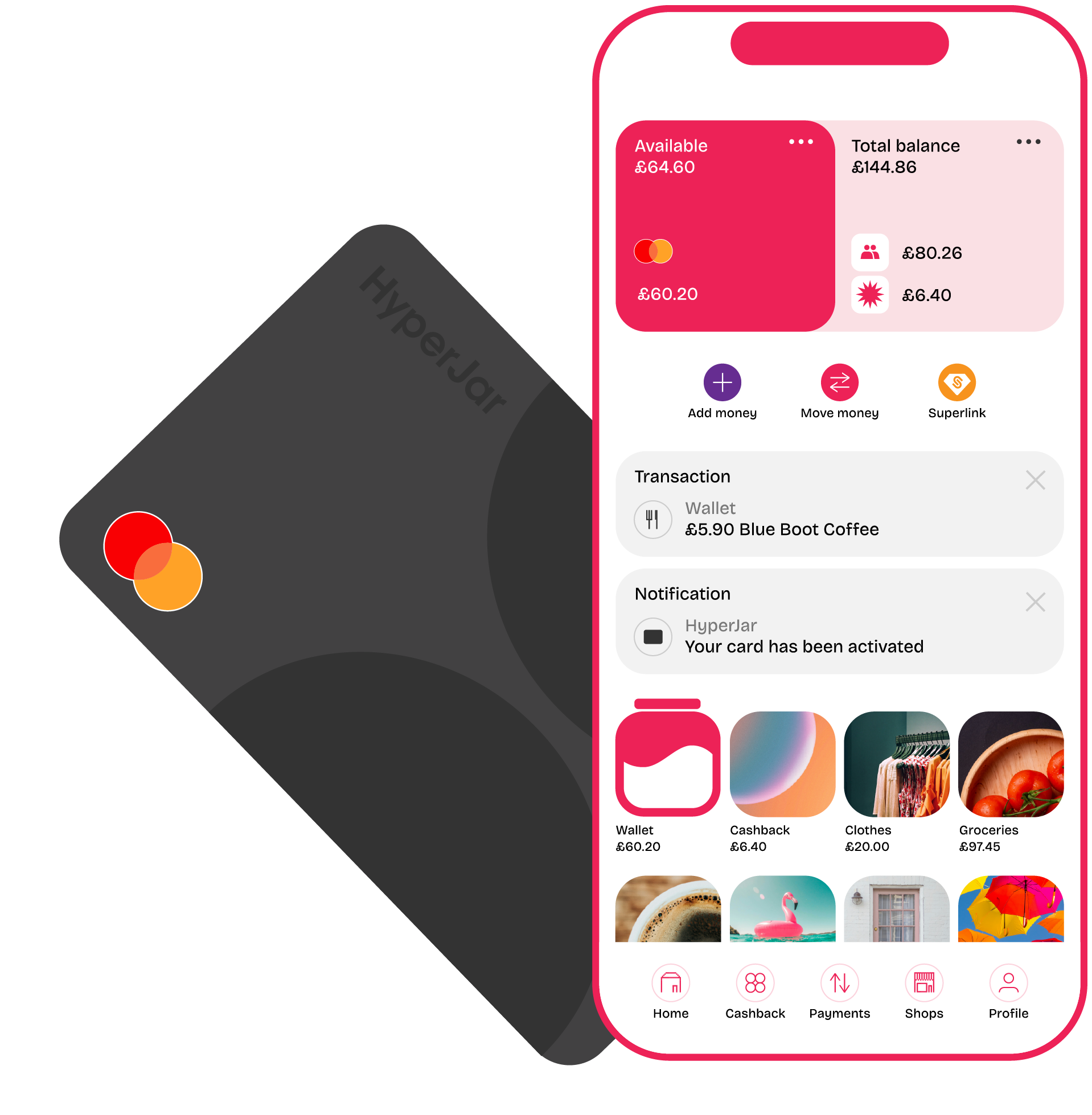
The free HyperJar app comes with a prepaid student card that let's you organise your spending in mini-accounts, shown as digital jars in the app. Create the jars that suit your life and budget, for everything from rent, bills, nights out and food to longer-term plans for things like a summer trip with friends. With the smart HyperJar prepaid card you can pay from any jar directly, so you’re always spending from the right budget.
Managing money like this helps you to see exactly how much you’ve got for the term, where it needs to go - and when you might need a top-up from a friendly parent.
What can I use a HyperJar prepaid student card for?
Decide what you can spend in the week, month or term ahead on the essentials as well as nights out or weekends away. If you’re planning a festival trip with friends, create a jar for that, share it with them and all start chipping in what you can, when you can. Like a WhatsApp group for money.
Use the card anywhere that takes Mastercard - online, in stores, at home or on holiday. Unlike many banks, we don’t add any fees on top when you spend abroad with your HyperJar card.
Save and spend with digital jars for different things

Share Jars with friends to plan, save and split costs

Instant top-ups


Set up spending controls to stay on track

As seen in






How to get started with a student prepaid debit card
Download the free HyperJar app
Have your passport or other ID handy
Sign up and order your card - virtual or physical
Transfer money from a bank into your new HyperJar account
Create jars and add money to them according to how you want to spend and save
Tap inside your jars to Auto-link shops and add spending controls
Add your card to Apple Pay or Google Pay for even safer spending
How to get started with a student prepaid debit card
Download the free HyperJar app
Have your passport or other ID handy
Sign up and order your card - virtual or physical
Transfer money from a bank into your new HyperJar account
Create jars and add money to them according to how you want to spend and save
Tap inside your jars to Auto-link shops and add spending controls
Add your card to Apple Pay or Google Pay for even safer spending

Students Prepaid Debit Card FAQs
The app is free to download, with no monthly fees. You can opt to pay £4.99 for the physical HyperJar prepaid debit Mastercard, or use the free virtual card that arrives in your account as soon as it's successfully opened. There are some easily-avoided fees connectet to moving money in and out of a HyperJar account, which you can see here. You'll also benefit from spending with the card when you're abroad as HyperJar adds zero fees.
Cards usually take just around a week to arrive. If you opt for a virtual card, you can start using it straight away and add it to Apple Pay or Google Pay for even safer spending.
Loads. Take a look at the Cashback and Shops tabs in the HyperJar app and you’ll see hundreds of retailers and restaurants where you can save. Read more here
It’s really easy to stay 100% fee-free by sticking to a couple of simple rules: loads in to your HyperJar account should be for £10 or more, and limited to no more than 10 times per calendar month. And we allow four transfers out of your HyperJar account to a bank each calendar month, of any amount. Exceeding these limits will incur a £1.00 charge each time. There’s more info on fees & limits here: https://signal-foundry.live/fees-limits%3C/a%3E%3C/p%3E%3Cp%3E%E2%80%8D%3C/p%3E%3C/div%3E%3C/div%3E%3C/div%3E%3C/div%3E%3Cdiv class="faq_item_wrap u-vflex-left-top">

.png)